Temperature sensor
YoLink Sensor
Temperature--°F
Humidity--
Battery--
- Sensor state
- Awaiting data
- Last sensor report
- --
Local AI / Receiver audio
Zeus SDR / Receive only
Listen through the N6MUD station in your browser. Take an available receiver slice in Zeus SDR and tune it for receive-only listening.
Zeus SDR will prompt you to sign in with your QRZ username and password.
Station online
Listen on Zeus SDR (opens in a new tab)Opens in a new tab · Receive onlyOn frequency / Community
ROOM / N6MUD-MAIN
A green dot beside a callsign means that operator is active on this website. YouTube messages do not show website presence.
Post a question about ESSB or any amateur radio topic, or simply chat with other like-minded radio enthusiasts. During an N6MUD livestream, text posts may also appear in the public YouTube live chat with your callsign.
Propagation awareness / Local weather
Monitor radar and recent lightning activity across the western United States, including the San Diego QTH. Electrical storms can raise the noise floor and affect safe station operation.
Lightning is displayed as part of Windy’s radar layer. Data is informational and should not replace official warnings or station lightning-safety procedures.
Weak-signal propagation / Last 24 hours
WSPR (Weak Signal Propagation Reporter) uses low-power digital transmissions to measure how radio signals travel around the world. Explore stations that heard N6MUD and stations N6MUD received. Paths are colored by amateur band.
Loading recent WSPR reports…
Zoom in or select a station dot or callsign for report details.
Propagation data: WSPR Live. Map data and tiles: © OpenStreetMap contributors. Times are UTC.
Propagation history / UTC
The direction toggle above changes both the map and this chart. Click or tap a daily bar to load that UTC date on the map. Bar colors show bands; the table includes distinct station counts.
| UTC day | Reports | Receiving stations | Avg SNR | Longest |
|---|
Live backyard conditions
Home environment / YoLink
Station energy / Solar
Station environment / Climate
Station energy / Battery
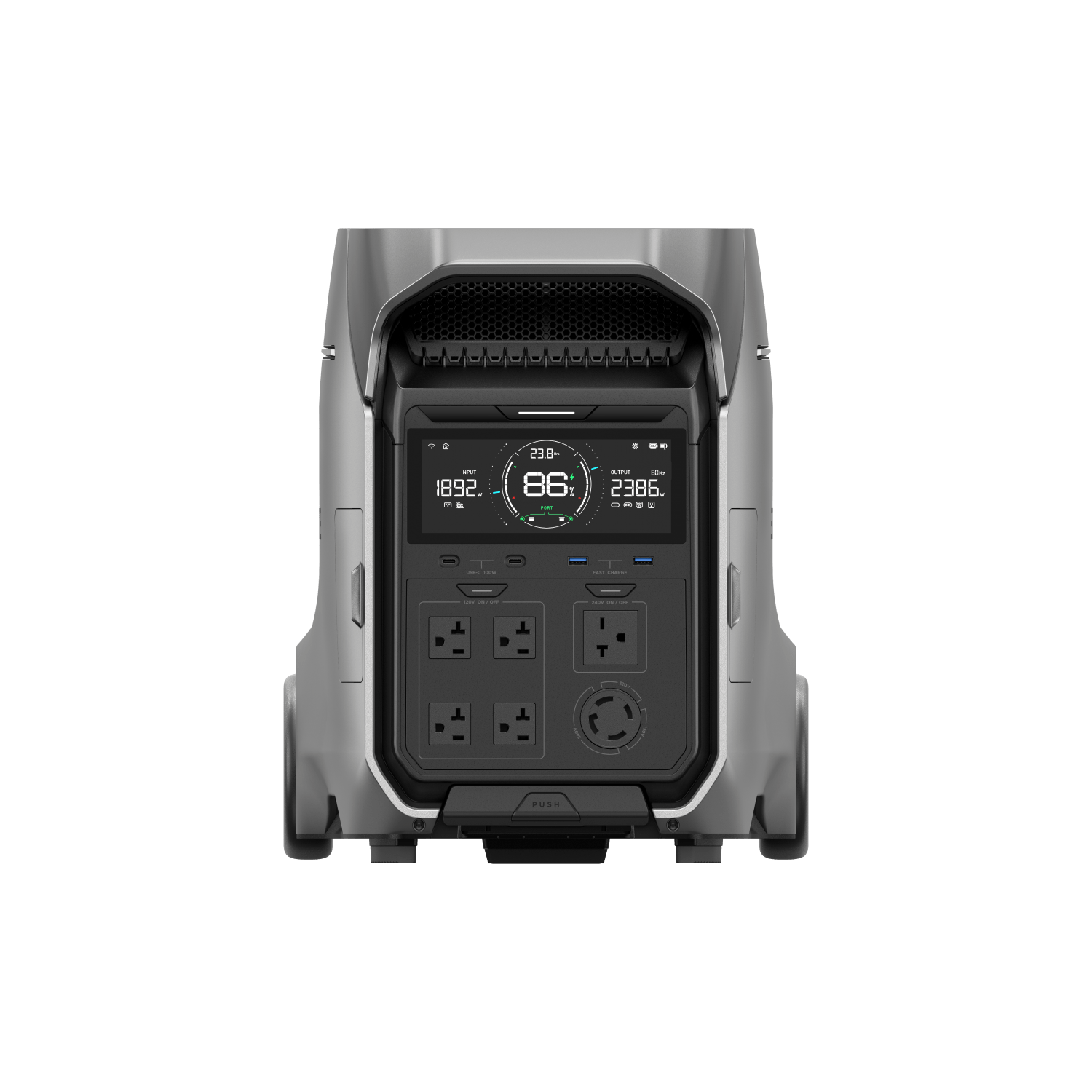
Station power telemetry is temporarily unavailable.
Live / Local airspace
Loading local airspace…
Featured / Station profile
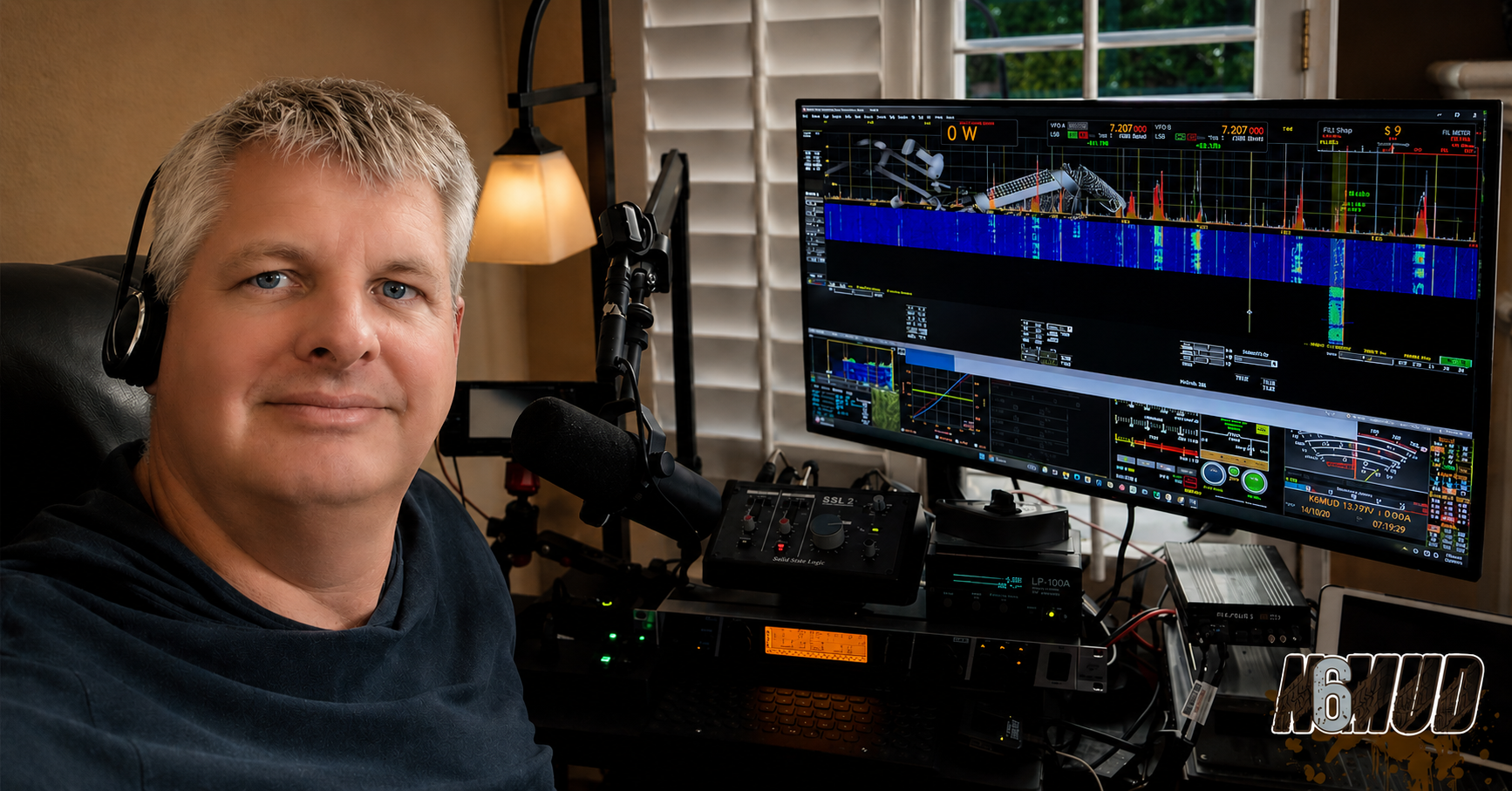
A software-defined HF station focused on clean, articulate, wideband transmit audio.
When Craig isn’t working as a remote software engineer, the station becomes a test bench for SDR technology, audio processing, antennas, and portable operation.
Explore / Core topics
The audio chain, transmit processing, and 6 kHz wideband voice behind the N6MUD audio.
SDR hardware, RF power, metering, and the 40-meter horizontal loop that brings it together.
Voice-to-text helps turn each livestream into a searchable transcript with timestamps, chapter markers, episode summaries, and podcast notes—reviewed before publishing.
Technical observations, equipment notes, and practical experiments from the station and field.
Latest stream / Audio report
Hear the complete N6MUD wideband audio chain: Apache Labs G2, RE320, Behringer DEQ2496, Thetis, SSL2, LP-100, and RF2K-S.
Watch recording ↗Mobile shack / Walkthrough
Tour the N6MUD Mobile Shack on Wheels and its amateur radio installation.
Open on YouTube ↗On the air / Replay archive
The latest completed N6MUD broadcasts. Select a thumbnail to load and play the recording.
Listen / N6MUD
Start listening immediately while the MP3 continues to buffer, or download an episode for offline listening. Each episode uses its Spotify artwork.
Loading published podcast episodes…
QRZ logbook / N6MUD
| Date / UTC | Callsign | Band | Mode | Frequency | City / State | Operator / Country |
|---|---|---|---|---|---|---|
| Loading recent contacts… | ||||||
Recent contacts are supplied by QRZ Logbook. View the complete logbook on QRZ ↗
Station archive / QRZ gallery
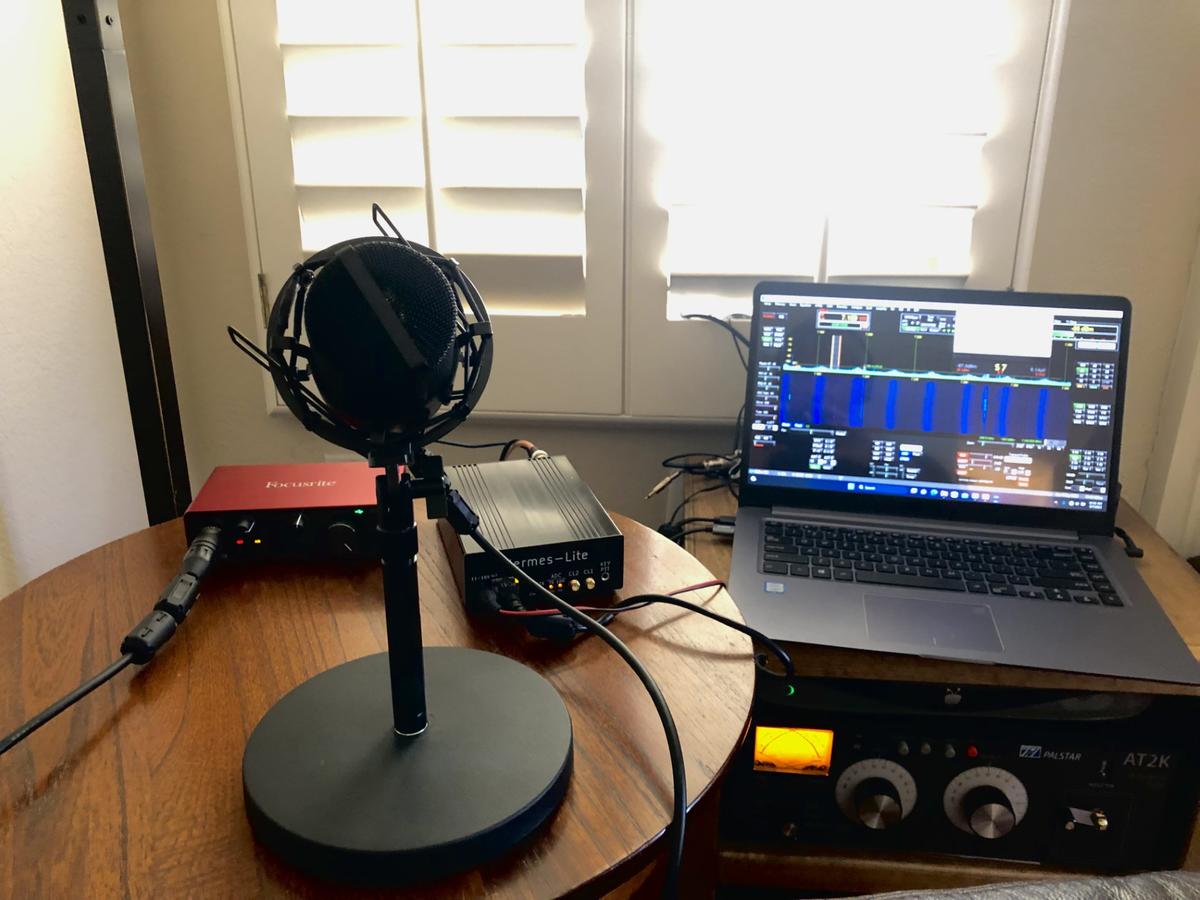
An earlier version of the N6MUD station at the beginning of the wideband audio journey.
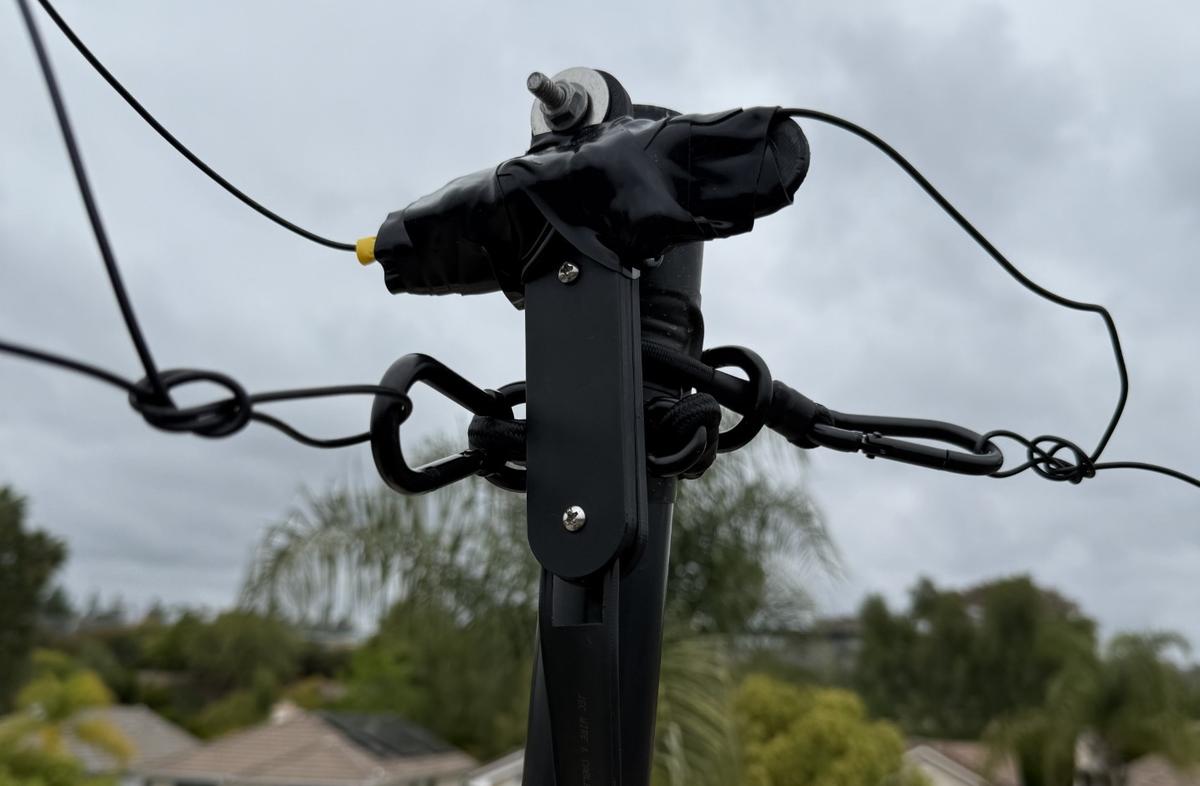
The ladder-line feed point for the primary 40-meter horizontal loop antenna.
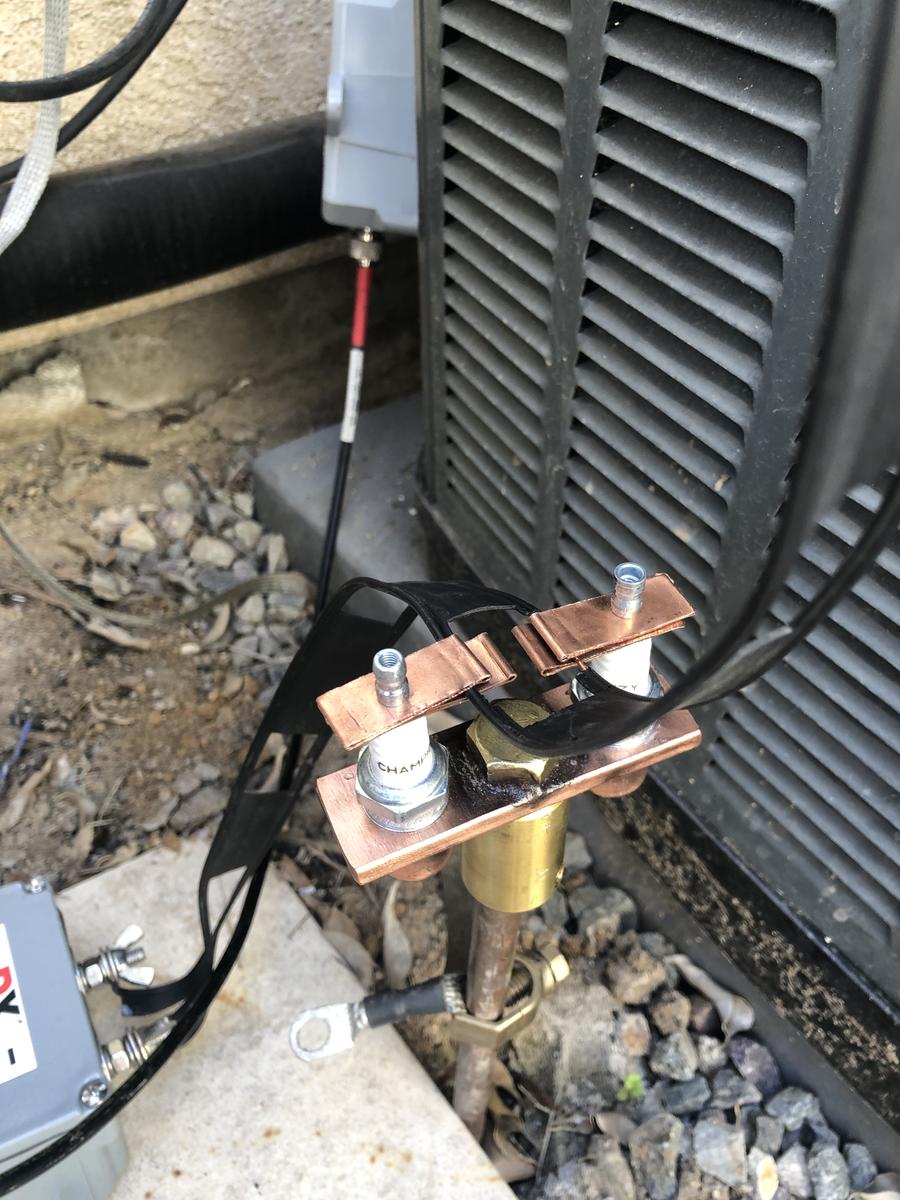
Lightning protection installed for the ladder-line-fed 40-meter loop.
Purchase from The Wireman ↗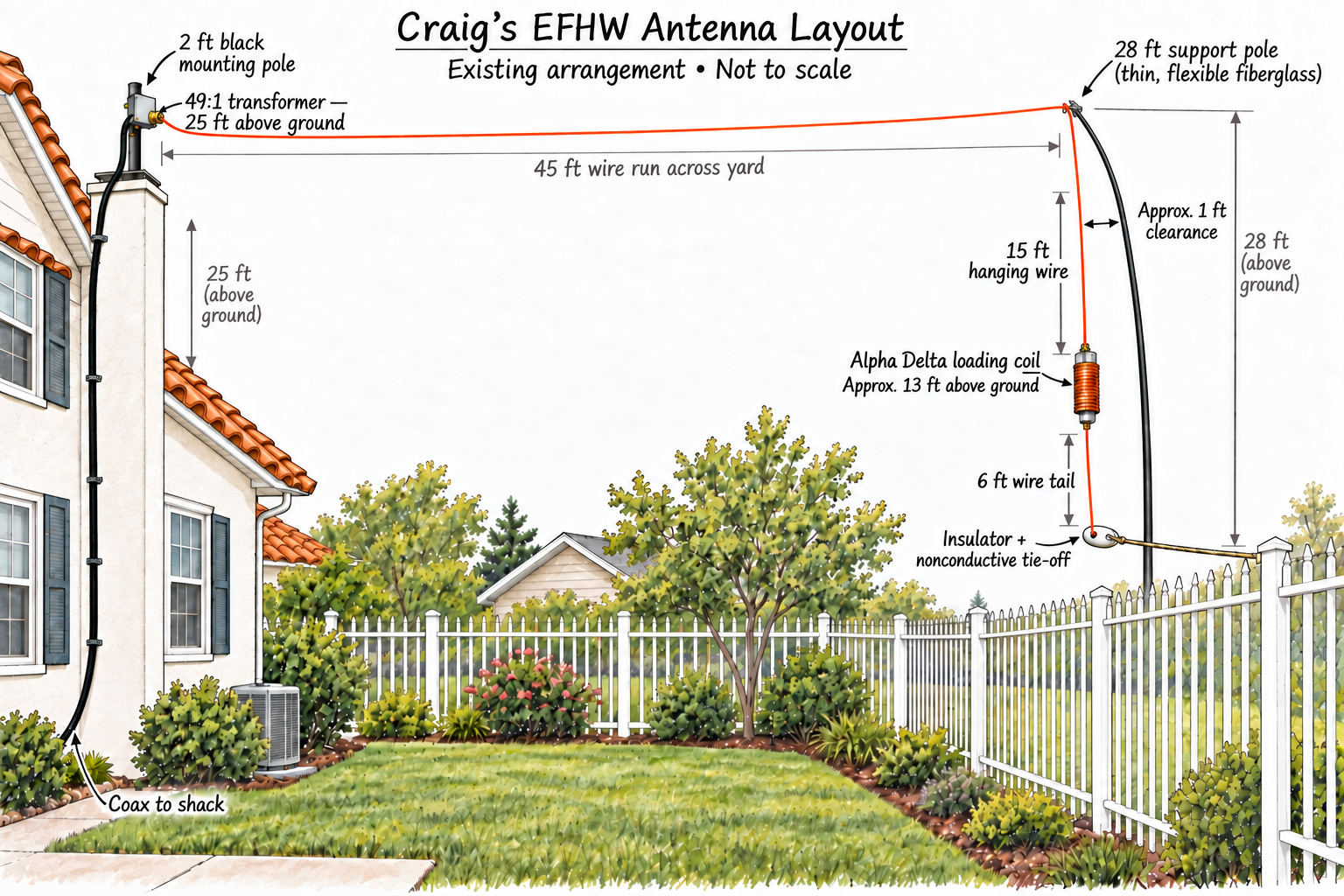
The back-yard end-fed antenna layout, showing the 49:1 transformer, wire run, support pole, and Alpha Delta loading coil. Diagram not to scale.
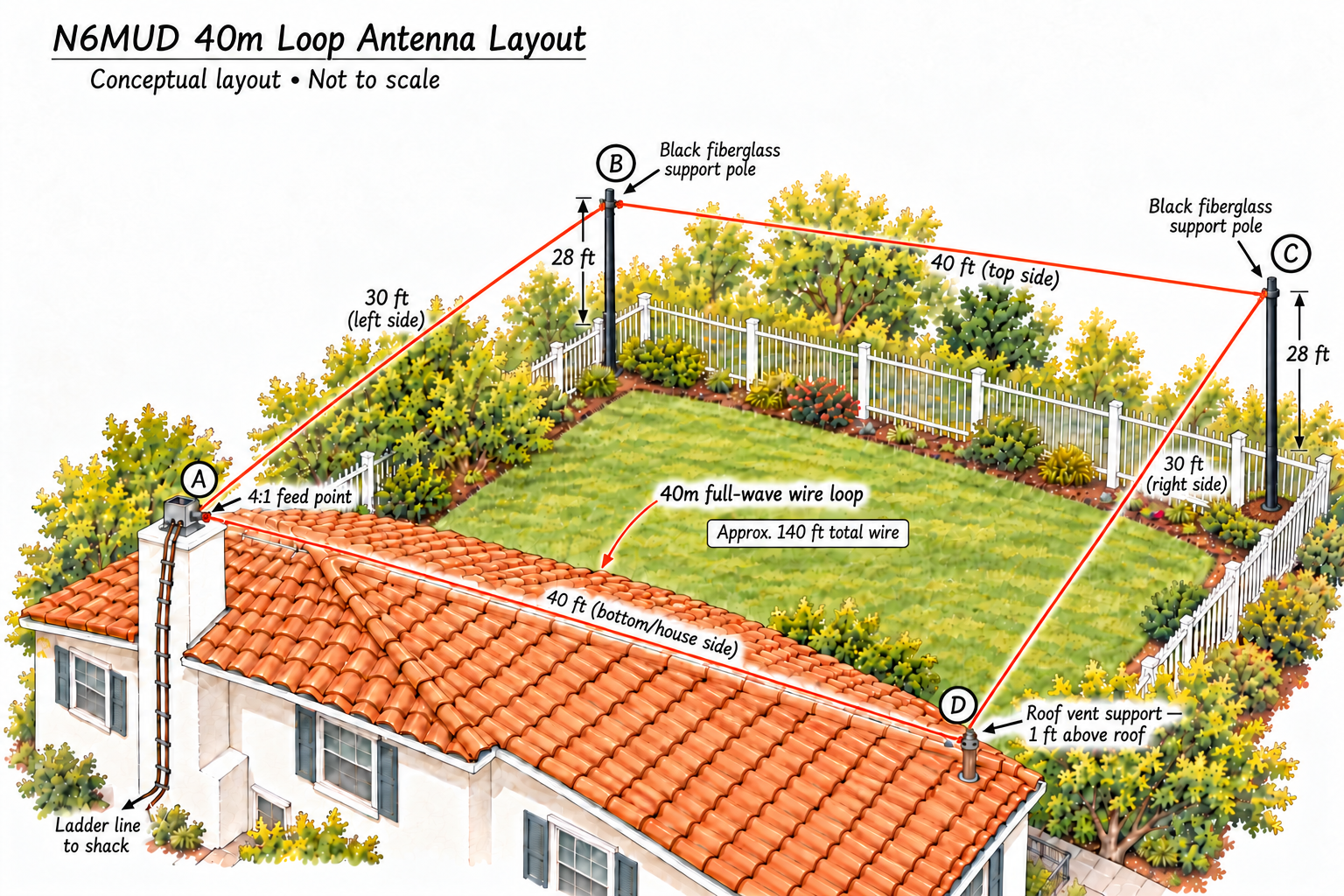
The back-yard 40-meter loop layout, showing the wire path, support poles, roof support, and ladder-line feed. Conceptual diagram, not to scale.
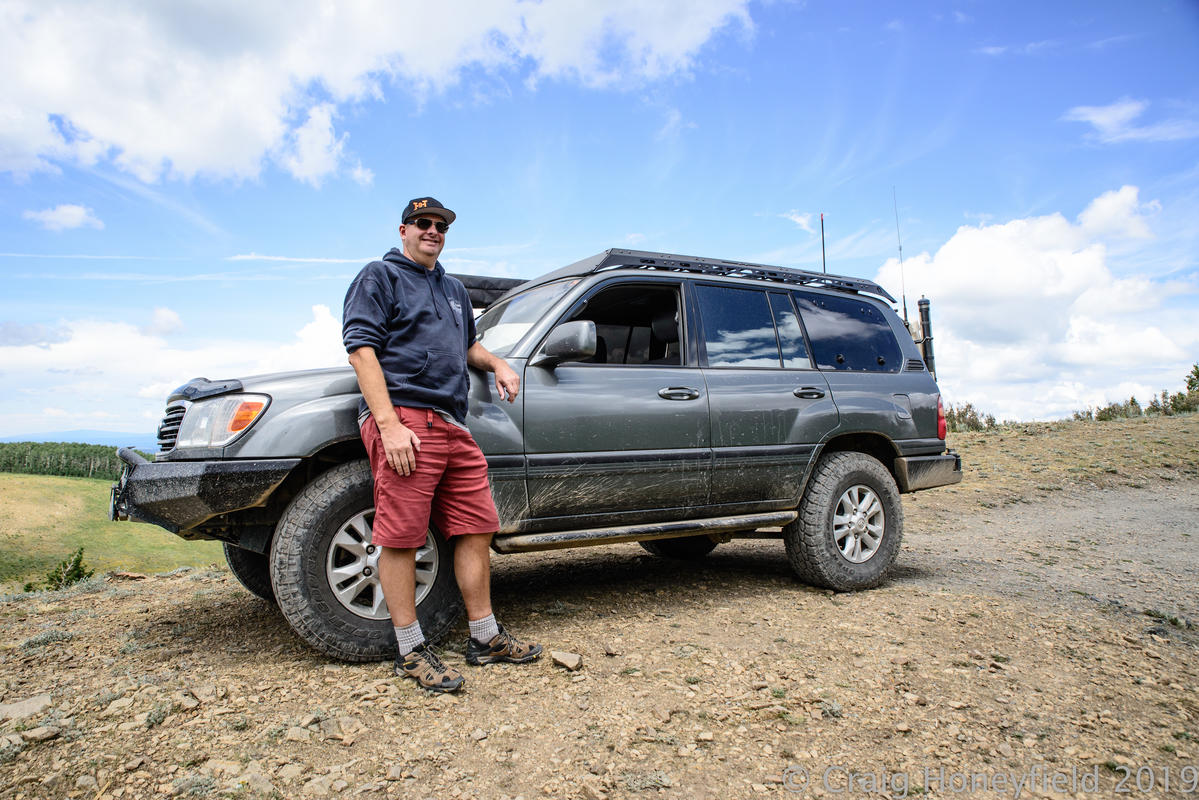
The amateur radio installation in Craig’s 1999 Toyota Land Cruiser.
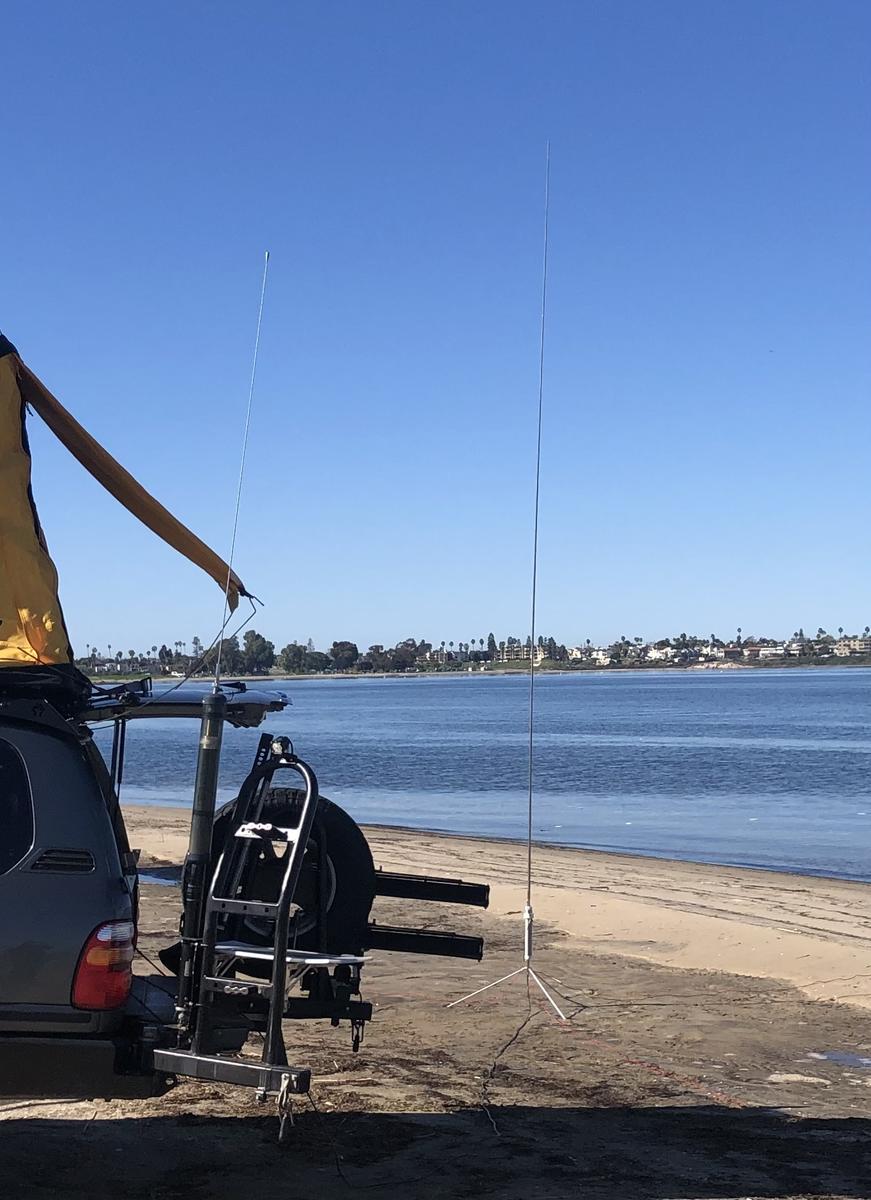
The Land Cruiser and mobile antenna configured for HF operation at Fiesta Island.
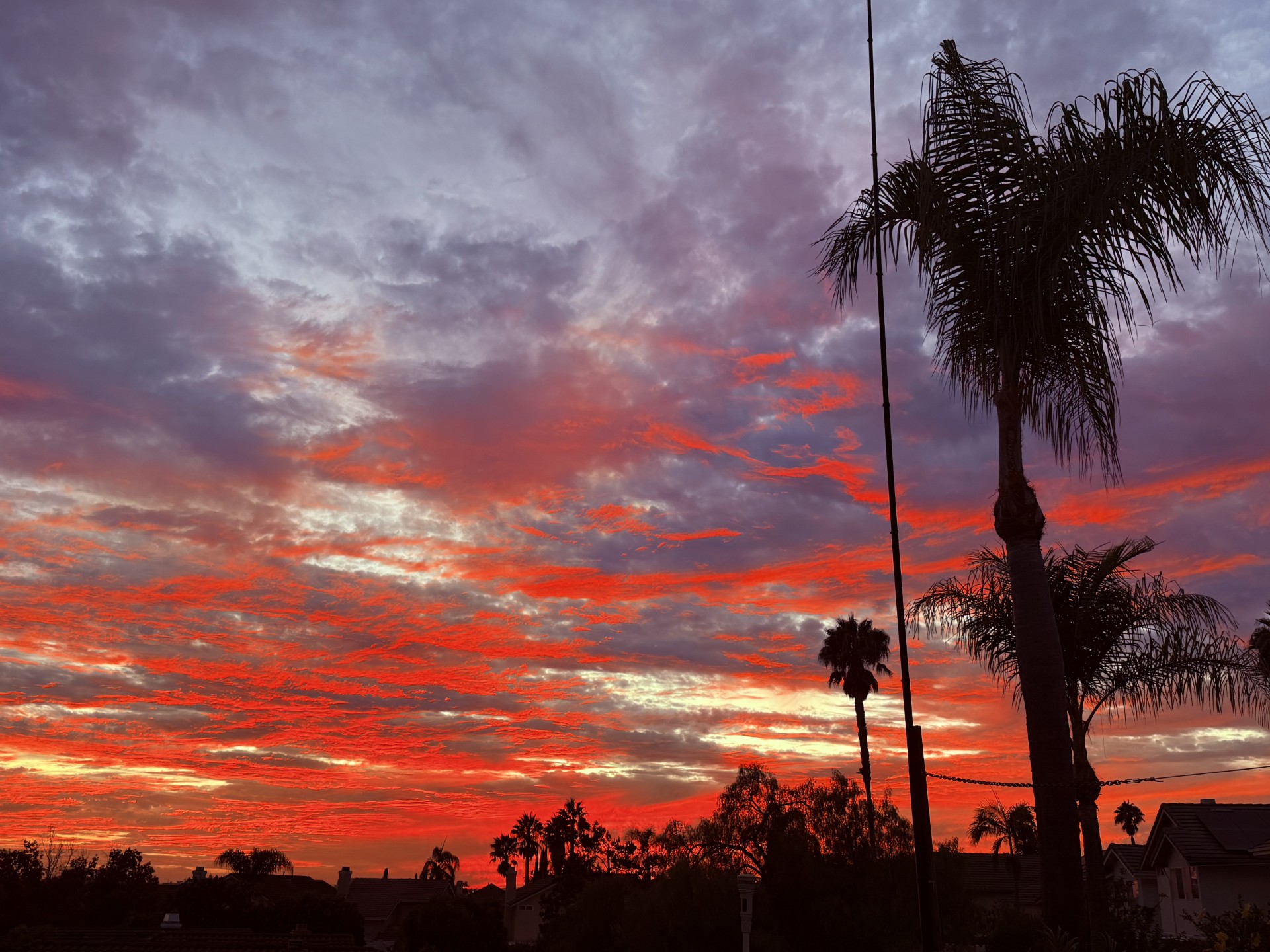
Sunset in the back yard with the Spyder beam support pole for the loop antenna silhouetted against the sky.
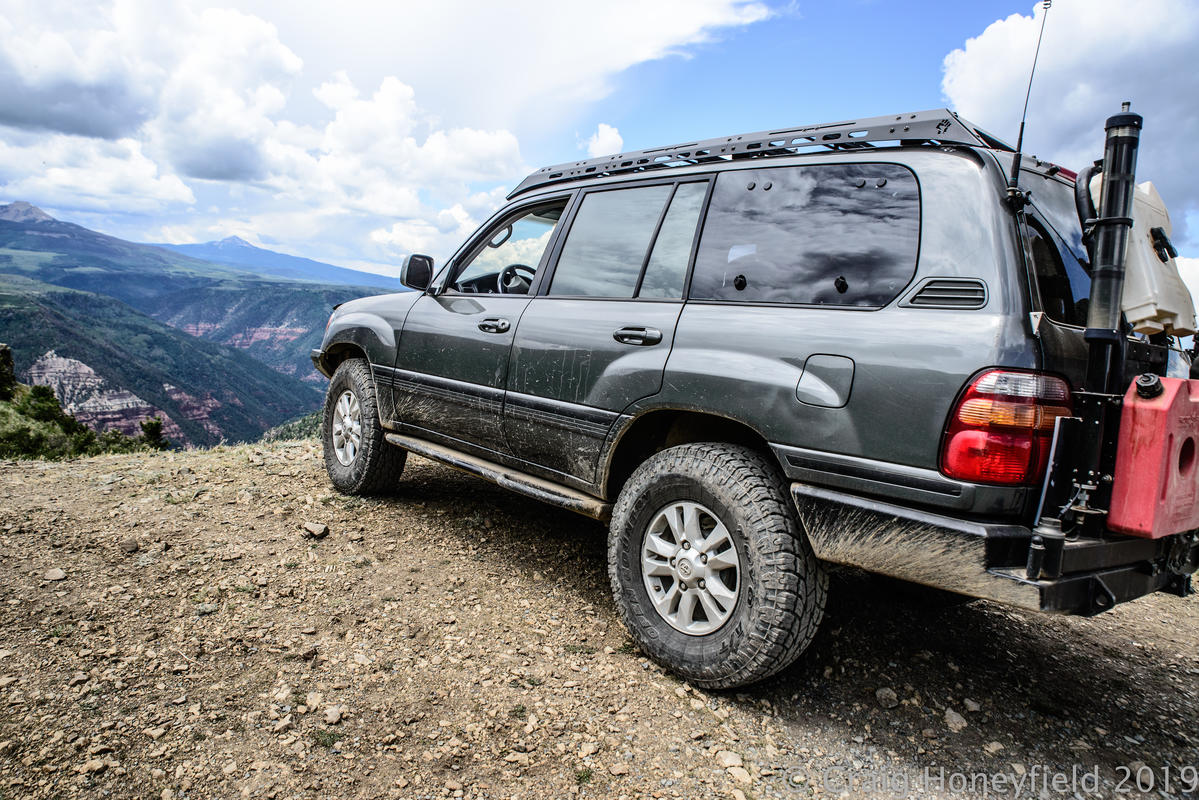
The mobile HF station operating from elevation in the 1999 Land Cruiser.
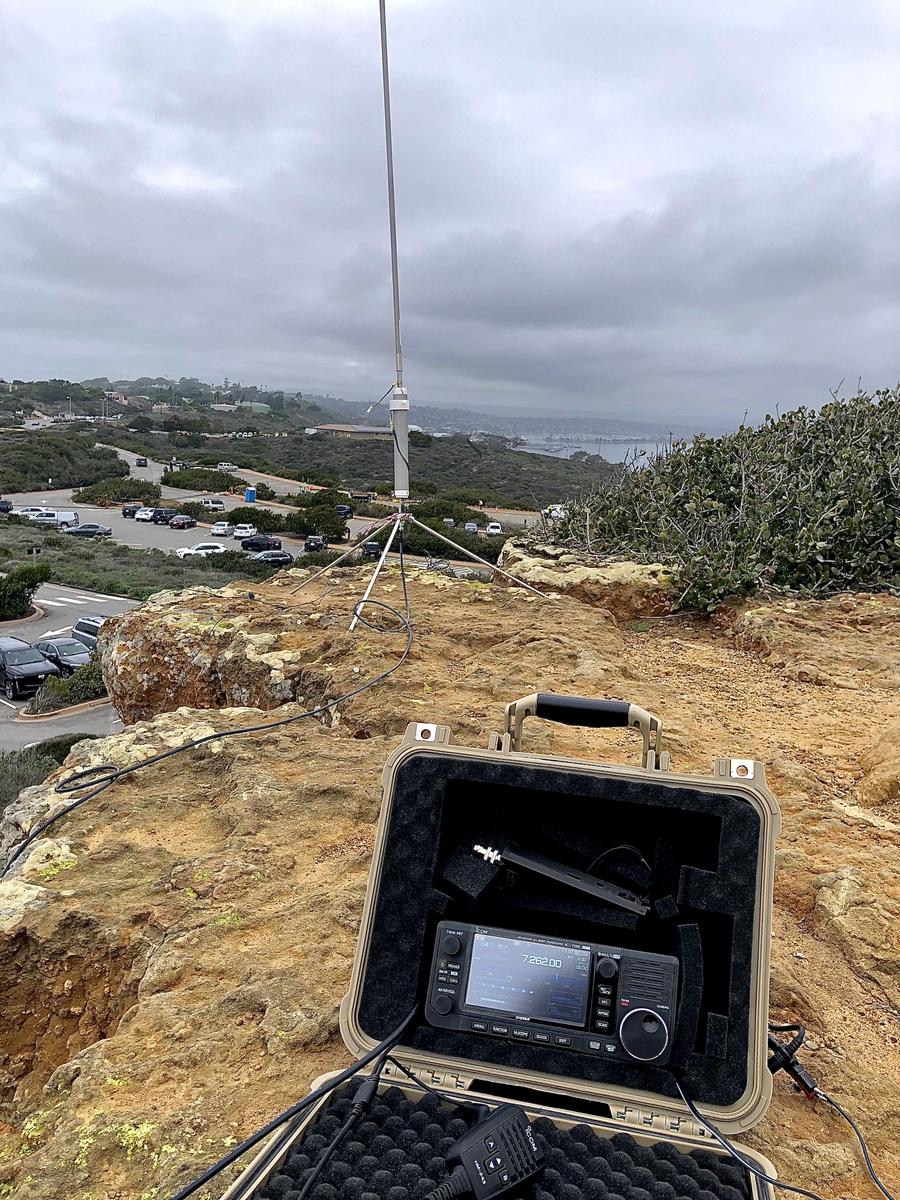
Icom IC-705 and Wolf River Coil at Cabrillo National Monument, San Diego.
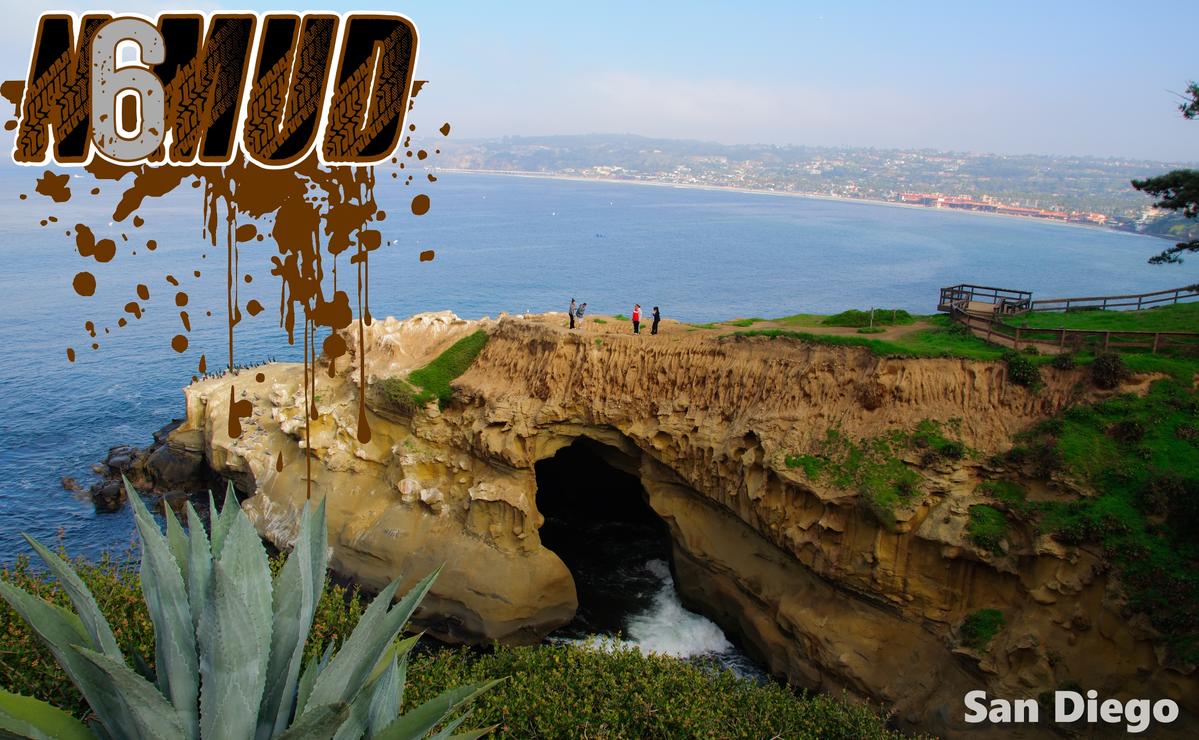
The N6MUD QSL card. Logo designed by Jeff, K5BLS.
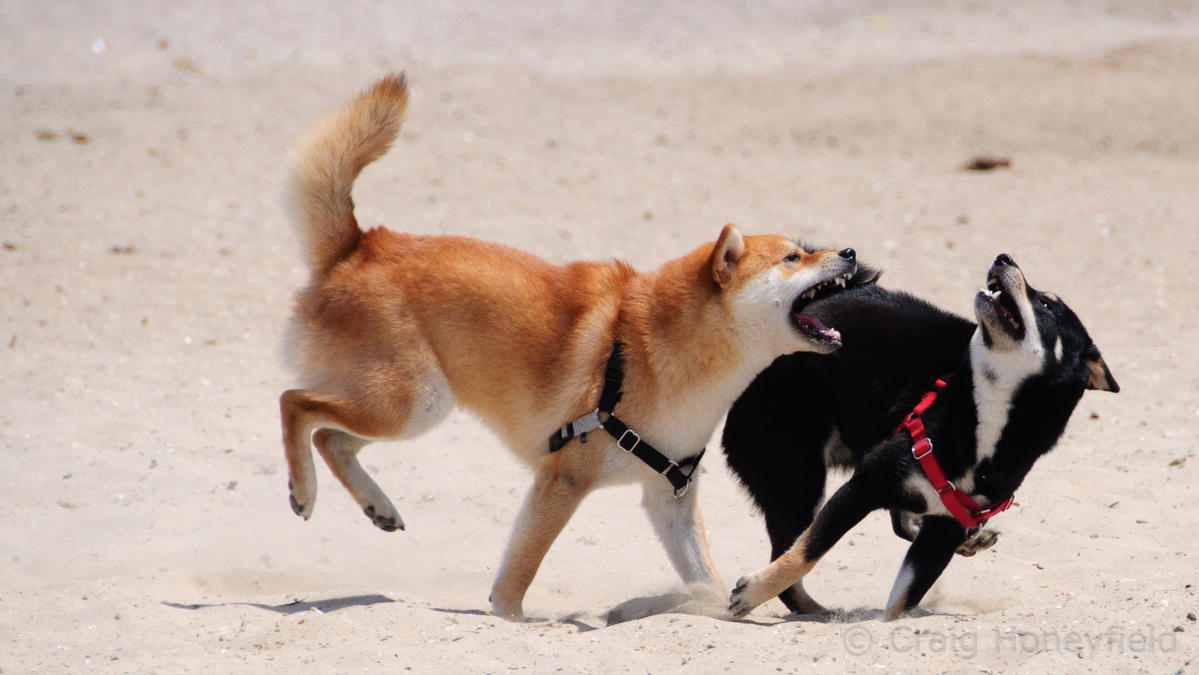
Faithful companions during operating, station projects, and livestream preparation. Forever part of the N6MUD shack.
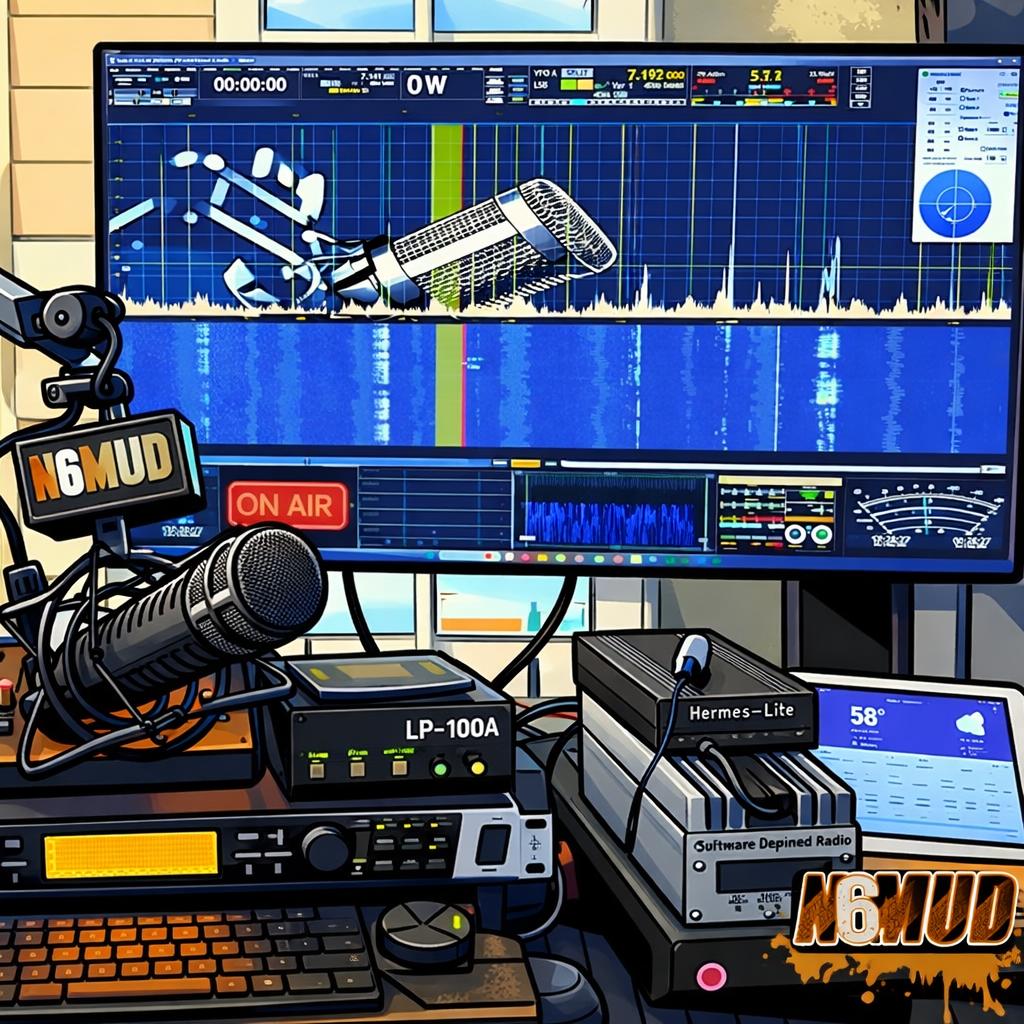
Illustrated shack artwork used by the N6MUD QRZ profile.